Why a blurry file becomes a blurry print
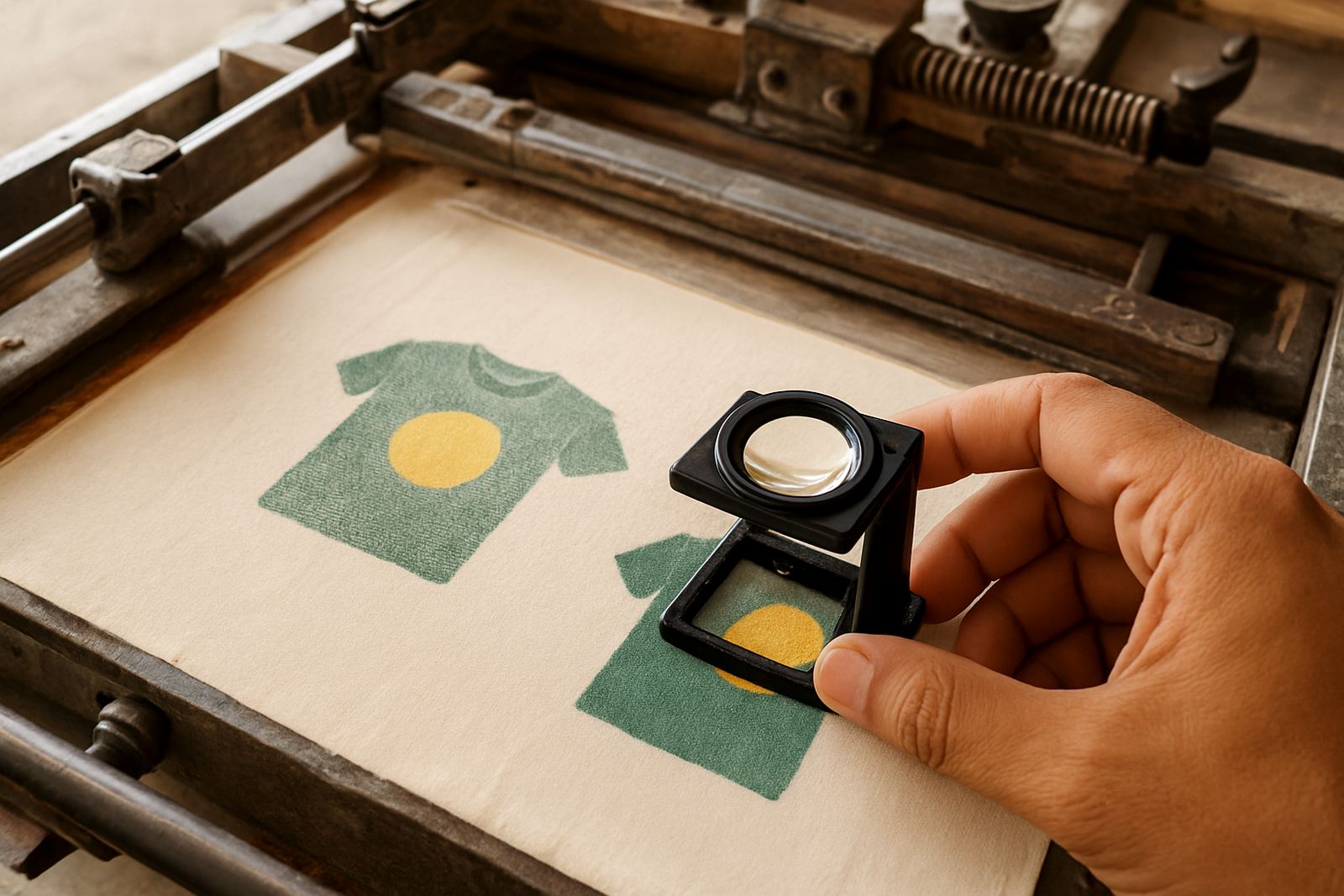
Screen printing is very good at putting colour onto fabric, but it cannot invent detail that is not already in the artwork. If a logo has been copied from a WhatsApp image, a screenshot, or a tiny file pulled off social media, the print will usually show that weakness. The edges may look ragged, letters can fill in, and fine lines may break up once the artwork is enlarged to fit a t-shirt or a jacket back.
In practical terms, low resolution means the image does not contain enough information for the size you want to print. A file that looks acceptable on a phone screen can fall apart when it is stretched onto a full chest print or a large event shirt back. That is why we check artwork before production, especially for bulk orders where the same flaw gets repeated on every garment.
- Pixelated edges are common when the source image is too small.
- Small text can disappear or blur into the surrounding colour.
- Gradients and thin lines may not hold their shape during printing.
What weak artwork does to confidence at delivery
Most clients do not ask for a technical explanation, they just want the shirts to look right. That is fair. When a uniform arrives with a logo that looks soft or uneven, it can affect how a school, sports team or company presents itself on the day. It is not only about appearance, it is also about trust in the order.
For a business in Bloemfontein or Hamilton, the uniform often carries the first impression at a gate, counter or site visit. If the print looks unclear, people notice. The same applies to matric farewell shirts, union events, church functions and sporting kits in Botshabelo, Thaba Nchu, Welkom or Kroonstad. Good artwork gives you confidence before the garment even leaves our floor, and that matters as much as the print itself.
- Clear artwork supports a cleaner, more professional finish.
- Better files reduce the chance of rework or delay.
- Strong visuals make teams look organised and consistent.
Simple checks before you send your logo
You do not need to be a designer to spot trouble. A quick check before you submit artwork can save time and extra calls. If the logo looks fuzzy when zoomed in on a computer screen, it will usually print fuzzy as well. If you only have a photo of a printed shirt, that photo may work for reference but it is not ideal for production.
Vector artwork is best for logos because it stays sharp when resized. If that is not available, use the largest clean file you have. JPEGs and PNGs can work, but they need to be large enough. For small text, line art and school crests, quality matters even more. A tiny scan from an old letterhead is often too weak for proper screen printing.
- Send the original file where possible, not a forwarded copy.
- Avoid screenshots unless there is no other option.
- If the image is blurry on your screen, it will not improve in print.
The local reality: heat, load-shedding and couriered orders
In the Free State, many orders are placed remotely and couriered out to towns across the province and beyond. That means the artwork needs to be right before production starts, because fixing file issues late in the process can delay dispatch. When load-shedding interrupts office work or production planning, every clean file helps keep the job moving on time.
We see this often with event shirts going to Bethlehem, Parys or even further afield. A client may be on a deadline for a sports day, school concert or company function, and a low resolution logo can add avoidable back and forth. Coastal humidity is not the issue here, but heat, dust and handling still affect garments and packaging, so the print needs to start with a file that is already strong. That way the final shirt looks good in person and in photos.
For larger runs, good file preparation is even more important because colour consistency and line clarity need to hold across every item, not just one sample.
How we help rescue a weak file without guessing
Sometimes a client only has a low quality file and still needs the order done. In that case, the first step is to check whether the image can be cleaned up or redrawn. If the logo is simple enough, it may be traced and rebuilt properly. If it is too soft or too damaged, we will rather explain the risk than push ahead with poor results.
That approach saves money in the long run. A print that looks acceptable on screen but poor on fabric is not good value for a school, club or business. We would rather sort out the artwork setup properly than let a bad file go straight into production and leave you with shirts that do not reflect your brand well. Kagiso and the team treat this stage seriously because it affects the full job from screening to final bagging.
- Artwork is checked for size, clarity and printability.
- Colour matching is handled with the final garment in mind.
- Size sorting and individual bagging keep the order organised for handover.
Getting better results from the start
If you are planning custom shirts, uniforms or event wear, the best time to solve low resolution problems is before the order goes to print. Send the cleanest file you have, include the print size you need and mention where the garments will be worn. A school jersey, a staff golf shirt and a promotional tee all have different demands, so the artwork should be prepared with that in mind.
Clients in Bloemfontein, Botshabelo, Thaba Nchu, Welkom, Kroonstad and the surrounding areas often want a fast turnaround. That is possible when the artwork is ready. It means less delay, fewer surprises and a print that looks as sharp in real life as it did in the approval stage. For businesses that depend on a tidy presentation, that peace of mind is worth a lot.
If the file is not ideal, ask before sending the full order. A short conversation now can prevent a weak print later, and that is usually the difference between a shirt that is simply worn and one that people are proud to put on.